
MDU Admit Card 2026 is the most awaited document for thousands of students across Haryana and neighboring states. As Maharshi Dayanand University (MDU), Rohtak, gears up for the 2026 examination cycle, students enrolled in various Undergraduate (UG) and Postgraduate (PG) courses are looking for clear guidance on how to secure their hall tickets.
Latest News Updates
Staying updated is crucial because university schedules can sometimes shift due to administrative reasons. Based on the latest reports from February 2026, here are the key highlights:
- Fresh Releases: MDU has recently updated the portal for February-March 2026 Examinations. This includes the 1st Semester NEP Scheme for courses like B.Pharmacy and M.Ed.
- Distance Education (CDOE): Students enrolled in B.A., B.Com, M.A., and M.Sc. through the Centre for Distance and Online Education can now access their hall tickets. Specifically, the theory exams for several PG distance courses began in late January and continue into mid-February 2026.
- Numerical Data: Over 1,50,000 students are expected to appear in the current cycle across more than 450 affiliated colleges.
- Correction Window: The university has opened a dedicated helpdesk for students who find discrepancies in their MDU Admit Card 2026. If your photo is missing or your name is misspelled, you must report it at least 3 days before your first exam.
Overview of MDU Exams 2026
To help you keep track of the general timeline, here is a breakdown of the current and upcoming exam events for MDU Rohtak.
| Course Category | Semester / Year | Expected Admit Card Date | Exam Starting Month |
| UG (BA, BSc, BCom) | 1st, 3rd, 5th Sem | 7-10 Days before Exam | February – March 2026 |
| PG (MA, MSc, MCom) | 1st & 3rd Sem | Available Now | February 2026 |
| Professional (B.Tech, B.Ed) | Odd Semesters | Released / Ongoing | February 2026 |
| Distance Education (CDOE) | All Semesters | Released | January – February 2026 |
| Re-appear / Improvement | Various | Along with Regular | February 2026 |
Steps to Download MDU Admit Card 2026
Downloading your hall ticket is a simple process, but it requires specific details. Follow these steps to ensure you get it right on the first try:
- Visit the Student Portal: Open your web browser and navigate to the official MDU student or admission portal. Look for the “Admit Card” link in the examinations or student panel section.
- Select Your Category: You will see options for “Regular,” “DDE,” or “Re-appear.” Choose the one that applies to you.
- Enter Credentials: You will usually need your Student ID or Registration Number. Some portals might also ask for your Father’s name or Date of Birth for added security.
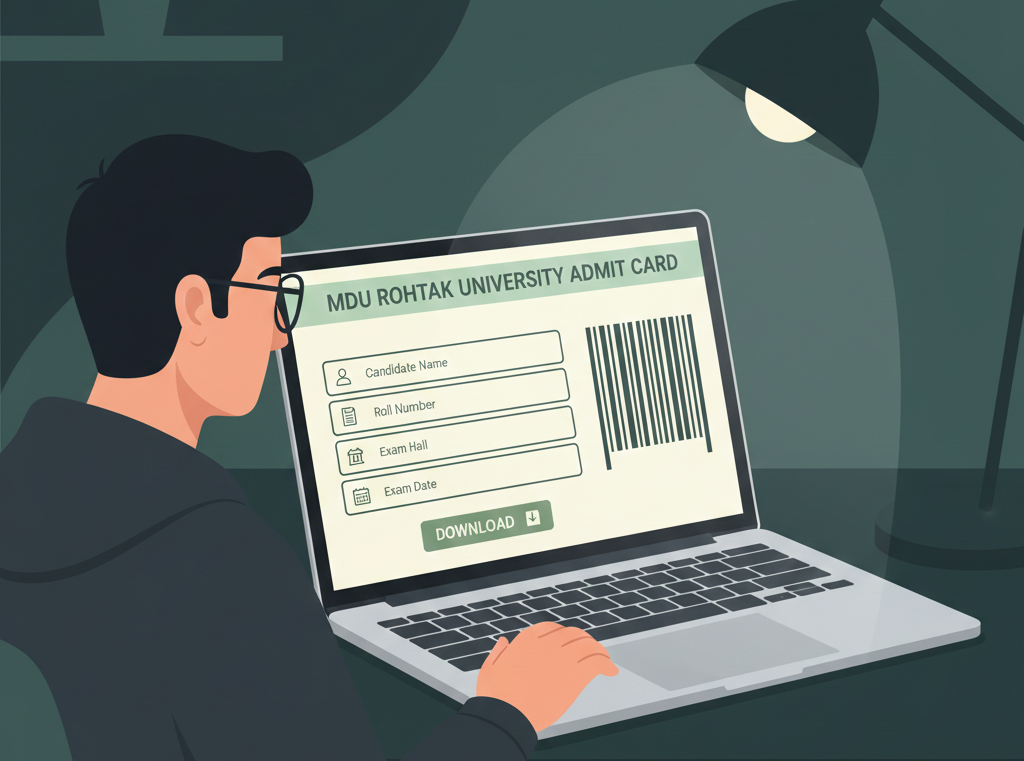
- Submit and Verify: Click on the ‘Submit’ or ‘Download’ button. Your MDU Admit Card 2026 will appear on the screen.
- Check the Details: Carefully read through all the printed info. Make sure the Exam Centre mentioned is the one you expected.
- Print and Save: Take at least two clear printouts. Keep one in your bag and another at home as a backup. Also, save a PDF copy on your phone or Google Drive.
Tips for Exam Day Success
From a personal perspective, the last few days before an exam are the most stressful. Here is a small checklist to help you stay organized:
- Locate the Centre: If your exam centre is in a different city or a college you haven’t visited, try to locate it a day in advance. It saves you from panic on the morning of the exam.
- Stationery Check: Keep your pens, pencils, and geometry boxes ready. Remember that MDU usually allows simple calculators for specific subjects like Mathematics or Accounts, but check your admit card for the specific rule.
- The “Original” Rule: Along with your MDU Admit Card 2026, always carry a valid ID proof (like an Aadhaar Card or College ID). Sometimes examiners ask for it if the photo on the hall ticket is not clear.
- Reach Early: Aim to reach the centre at least 60 minutes before the scheduled time. This gives you time to find your seat number without rushing.
Common Issues and Solutions
Sometimes, things don’t go as planned. Here are some common problems students face with their MDU Admit Card 2026:
- Admit Card Not Found: If the portal says “No Record Found,” it might be because your examination fee was not processed or there is an eligibility issue. Contact your college office or the university’s “Pariksha Sadan” immediately.
- “Not Eligible” (NE) Status: If your status shows as NE, it usually means your internal assessment or attendance was low. You must talk to your department head to resolve this.
- Incorrect Subject List: If a subject you opted for is missing, do not ignore it. Appearing for an exam not listed on your hall ticket can lead to your result being withheld.